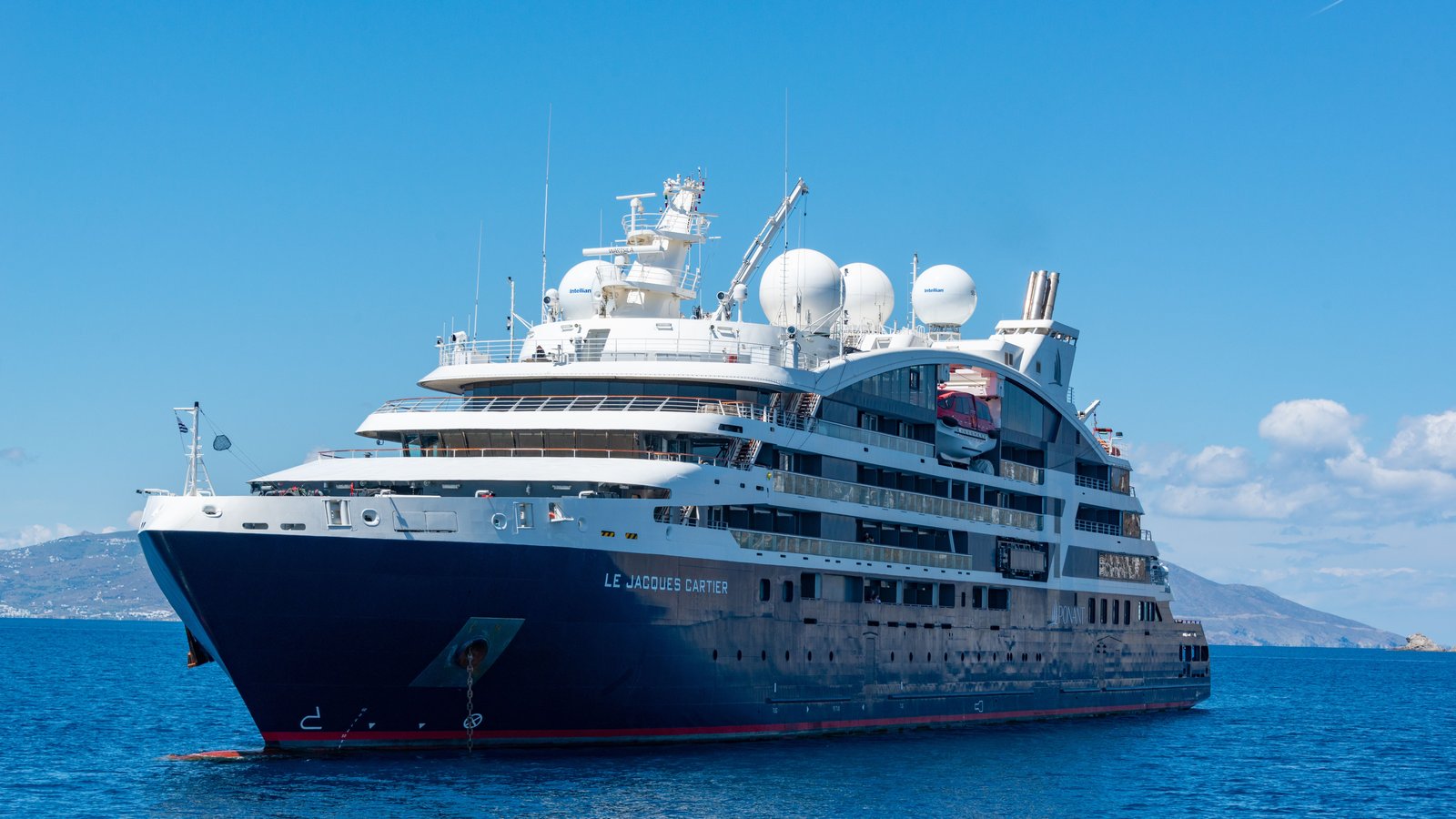
A phone can show signal bars in the middle of a cruise. They may come from the ship’s mobile network, not a tower on land—and that changes the price. Cruise ship Wi-Fi, maritime roaming and port mobile data are separate connections. A practical plan is to use ship Wi-Fi for heavy tasks, small amounts of NXTL data for check-ins at sea on a supported vessel, and NXTL land data in covered ports. One reusable eSIM and prepaid balance can follow the trip.
The short answer
At sea: NXTL data works on supported vessels using Telenor Maritime’s onboard mobile network. On shore: the same eSIM can use supported land networks in many port countries. For heavy use: compare the cruise line’s Wi-Fi pass. Always check the network name on your phone before using mobile data, including while docked.
What is maritime roaming? Is it the same as ship Wi-Fi?
No. Both may use a satellite link to reach the wider internet, but your phone joins them in different ways.
Your phone joins the ship’s Wi-Fi network, as it would in a hotel. The cruise line sells an internet pass, often by day, voyage or number of devices. It is usually the easier choice for video calls, streaming, work and several devices.
Your phone joins a small cellular network on the vessel. The ship carries that traffic to land, commonly by satellite. Your mobile provider or travel eSIM bills the data used. You do not need to buy the ship’s Wi-Fi pass to use this connection.
Near shore, your phone may join a local land network. It may also remain on the ship’s network or have no signal. The network actually used, and the SIM selected for data, determine the rate.
For example, Royal Caribbean says its own app can be used on the ship’s guest Wi-Fi without buying an internet package. That does not mean general web browsing is free, and other cruise lines set their own rules. A ship’s Wi-Fi pass and maritime cellular are separate products.
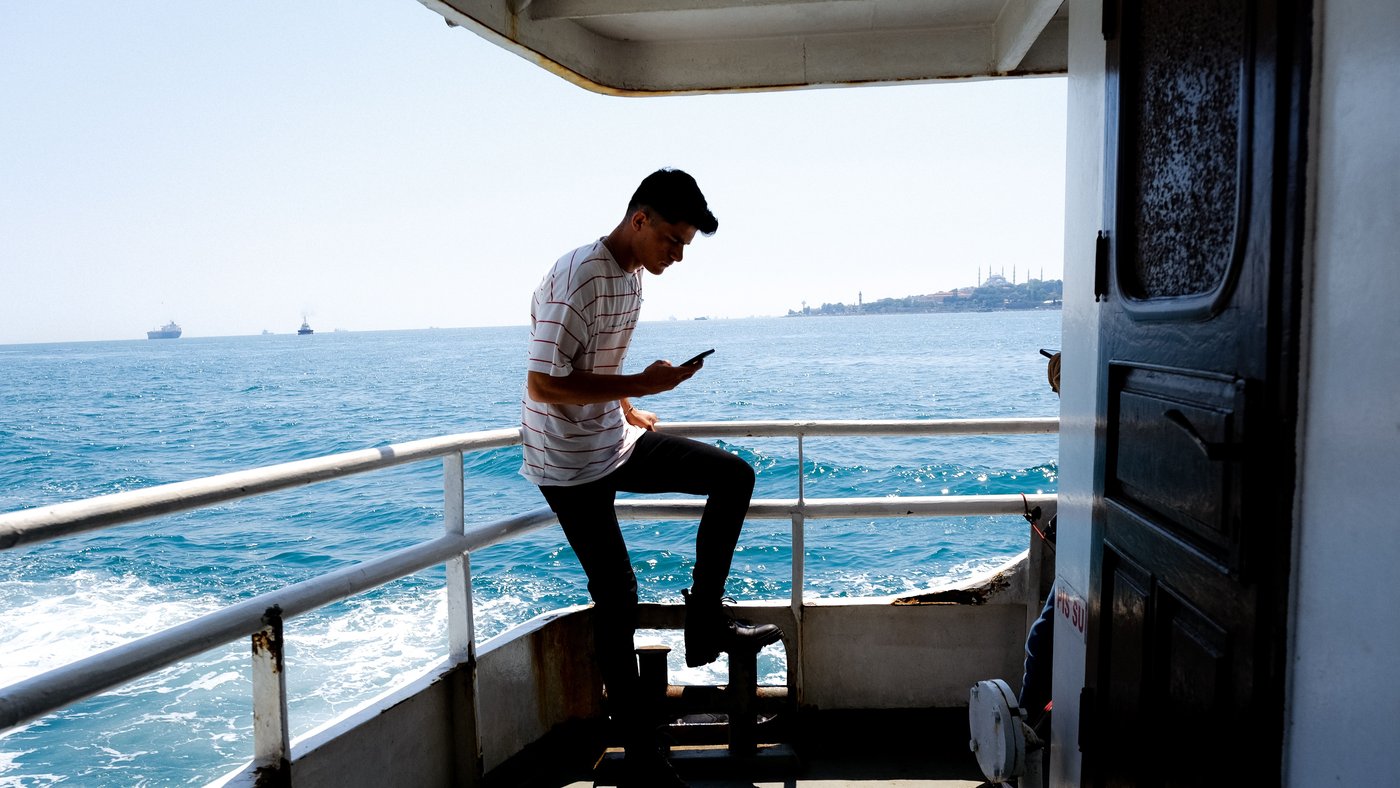
How does NXTL help on a cruise?
NXTL is a data-only, pay-as-you-go eSIM. You install it once, choose it as your phone’s mobile-data line, and usage comes out of a prepaid balance. The same balance can be used on supported land networks in the countries you visit and, on some vessels, on Telenor Maritime AS at sea. There is no separate maritime bundle to buy. Unused balance stays available for a later trip. See the NXTL Global eSIM for the current purchase terms.
The important limit is the ship: NXTL does not work on every cruise vessel. The onboard Telenor Maritime service must be active on a supported vessel in a designated sailing area. Some ships use a different cellular operator, such as Cellular at Sea. A country appearing on NXTL’s land coverage list does not prove that your ship is supported. Check the vessel with the cruise line or NXTL support before relying on it at sea, and see NXTL’s air and maritime coverage explanation.
This flexibility is particularly useful if you only need brief check-ins at sea and mobile data for maps, tickets or messaging after leaving the ship. A ship Wi-Fi pass may be better if you need a dependable connection for hours, video calls or a laptop. NXTL does not provide a normal phone number for cellular calls or SMS.
How much mobile data do you need at sea?
Start with what you will actually do. A few text messages and a booking check use far less data than sending videos or allowing photo backups. The figures below are planning examples, not measurements of a typical passenger. Background activity can make your own use higher.
| A sea day | Example use | Estimated NXTL cost |
|---|---|---|
| Light · 50 MB | Text check-ins, a few emails and essential details | $1.40 / $1.40 |
| Regular · 150 MB | More messaging, a little browsing and a few compressed photos | $4.20 / $4.21 |
| Active · 500 MB | Frequent browsing, attachments or cloud activity | $14.02 / $14.02 |
Calculated from NXTL’s Telenor Maritime feed rate of $28.71/GB and public display rate of $28.72/GB, checked 15 October 2026. One GB means 1,024 MB for these estimates. NXTL bills in 1 KB increments, so you pay for measured use rather than having to buy a full gigabyte. Check the live maritime rate before you sail.
The standard NXTL Global eSIM currently includes $10 of usable data balance. At the checked maritime rate, that would cover about 357 MB at sea if you spent it all on this network. It is a balance, not a promise of 1 GB of maritime data. A video call or automatic photo backup can consume that amount quickly.
An easy rule for choosing
Use metered mobile data for short, deliberate tasks. For long calls, streaming, work or several connected devices, compare your ship’s current Wi-Fi offer. On some ships the free guest Wi-Fi is enough for the cruise line’s own app, even without an internet pass.
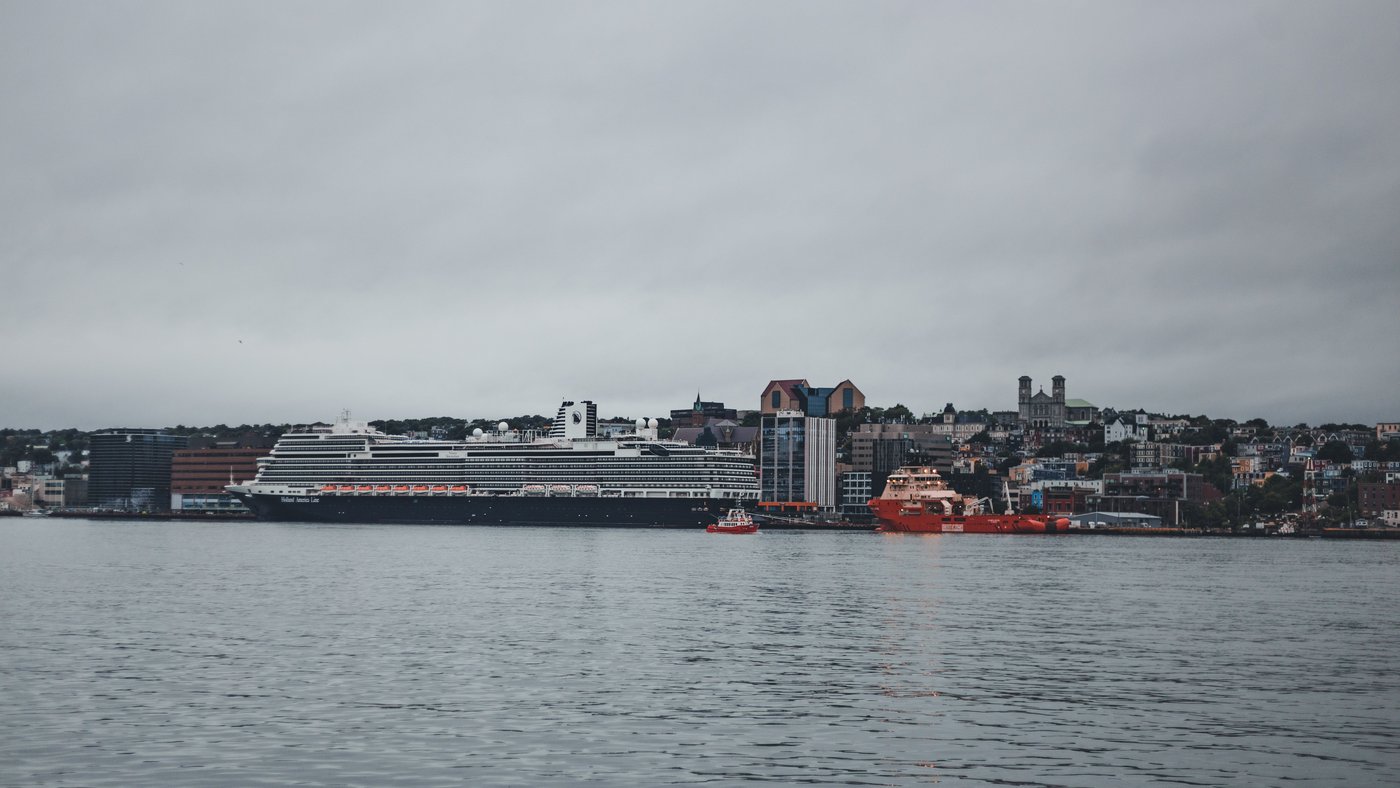
What happens to your data in ports and islands?
Once your phone is genuinely connected to a supported land network, NXTL charges that network’s destination rate from the same balance. You can use it for a walk through town, maps, a restaurant booking or a message from shore. The ship’s Wi-Fi normally stops helping when you leave its coverage area.
Here are two real itinerary patterns and the lowest listed NXTL land-network rates in their port countries. NXTL covers these destinations through listed partner networks. Its Connectivity Guarantee backs your ability to get connected in a supported destination: NXTL troubleshoots, can replace the eSIM, and refunds the eSIM purchase if the connection still cannot be resolved. A national rate does not identify which carrier your phone will select at an individual stop, so check the network shown on the phone.
| Example route | Port countries on the itinerary | NXTL land rates from |
|---|---|---|
| Western Mediterranean | Barcelona and Palma (Spain); Marseille (France); La Spezia, Civitavecchia and Naples (Italy) | Spain $0.71/GB · France $0.71/GB · Italy $0.72/GB |
| Western Caribbean | Costa Maya and Cozumel (Mexico); Roatán (Honduras); CocoCay (Bahamas) | Mexico $2.39/GB · Honduras $7.87/GB · Bahamas $9.67/GB |
Route stops follow Royal Caribbean’s published Western Mediterranean itinerary and its published Western Caribbean itinerary; sailings vary. The rates are the lowest listed supported networks in each country on NXTL’s pricing directory, checked 15 October 2026. Mexico’s example is Altan, Honduras’s is Tigo and the Bahamas example is BTC. Check the partner network and current rate for each stop, including CocoCay, before using data.
Why check the network? At the checked rates, 300 MB would cost about $8.41 on Telenor Maritime at sea. On NXTL’s lowest listed Mexican land network, the same 300 MB would be about $0.69—if that land network is available and your phone actually joins it. Your phone can still pick up the ship’s network while docked, so do not assume a port price just because you can see land. T-Mobile gives the same practical warning for its own cruise customers.
NXTL also lets you choose a connection preference. Cheapest prioritises the lowest-priced supported network available; Best coverage opens more supported network choices when a destination has several partners. You can change the preference in the NXTL app or your account. The price still follows the network actually used, so check it on NXTL’s live rate page.
A simple connection plan before and during your cruise
Before you leave home
Install NXTL over reliable Wi-Fi and check that your phone accepts eSIMs. Save tickets and offline maps. Ask which onboard cellular provider your exact ship uses; do not assume it is Telenor Maritime. Compare the ship’s Wi-Fi price with the live NXTL maritime and port rates.
Set the two SIM lines
Choose NXTL as the mobile-data line and turn on Data Roaming for NXTL. Leave Data Roaming off on your home line if you do not intend to use its data abroad. Your home line may still receive calls or SMS where its carrier permits, and charges can apply. Follow the NXTL eSIM setup guide for your device.
On sea days
Check the network shown on the phone. Use NXTL only when you are on a supported Telenor Maritime connection and the rate suits your task. Keep cellular off when you do not need it. You can turn on Wi-Fi while Airplane Mode stays on to use the ship’s Wi-Fi or onboard app.
In port
Check again that NXTL is the data line and that the displayed carrier is a local land network. Use that network’s published rate for planning. If connection fails in a supported destination, try another listed partner and contact NXTL support; the Connectivity Guarantee explains the help and refund process. Keep saved maps and tickets for places with weak signal.
To protect a prepaid balance, keep photo backup, large app updates and automatic downloads on Wi-Fi. The NXTL data-saving guide has current iPhone and Android steps; menu names change, so it is more useful than a fixed list of buttons here.
Cruise Wi-Fi and mobile data: common questions
Will my regular phone plan work at sea?
Possibly, but ordinary international roaming benefits do not always include a ship’s cellular network. Check your carrier’s terms and your exact vessel before enabling roaming. A cruise pass and land roaming pass may have different prices. If you only want ship Wi-Fi, keep mobile data off.
Does NXTL work on every cruise ship?
No. NXTL’s maritime service needs an active Telenor Maritime network on a supported vessel in a supported sailing area. A ship using another onboard operator may not connect through NXTL at sea. NXTL’s land coverage in a port country is a separate question.
How much cruise data should I plan?
For deliberate text check-ins, start with the 50 MB sea-day example. If you will browse and send photos, use the 150 MB example. Treat 500 MB as an active day, not a default. Count only days on which you expect to use cellular at sea, then plan port use separately at each destination’s network rate. Add room for your own habits and check usage after the first day.
Can I receive bank verification codes with NXTL?
NXTL does not receive ordinary SMS. Your home line needs supported cellular voice/SMS roaming or a carrier-supported Wi-Fi calling/SMS route for text codes; home-line data roaming can remain off. An authenticator app’s time-based code can work offline, while an in-app bank approval needs internet. Check your bank and carrier arrangements before sailing.
Is NXTL better than buying the ship’s Wi-Fi?
It depends on how you use your phone. NXTL is flexible for small, metered check-ins at sea on supported ships and for mobile data across multiple supported port countries with one balance. Ship Wi-Fi is usually the more practical choice for continuous access, video and work. Many travellers will use both at different points in the trip.
The practical takeaway
Decide by connection, not by whether the ship looks close to land: ship Wi-Fi for heavy use, supported maritime cellular for short checks, and verified land networks for port days. NXTL’s advantage is one reusable prepaid data balance that can follow the trip across supported sea and shore networks. Check the vessel, the network name and the live rate before you connect.
Prices, sources and limitations
Rates were checked on 15 October 2026 against NXTL’s public network directory and its published pricing feed. Sea-day examples use $28.71/GB; the public USD display was $28.72/GB. Land figures in the route table are the lowest listed national partner rates, not measured port coverage. Data estimates use 1,024 MB per GB and round to cents. The network actually used determines the charge. Ship Wi-Fi policies and vessel routes can change; check the cruise line before departure. Technical explanations are supported by Cellular at Sea’s onboard-network guide and Telenor Maritime’s Wi-Fi guidance.