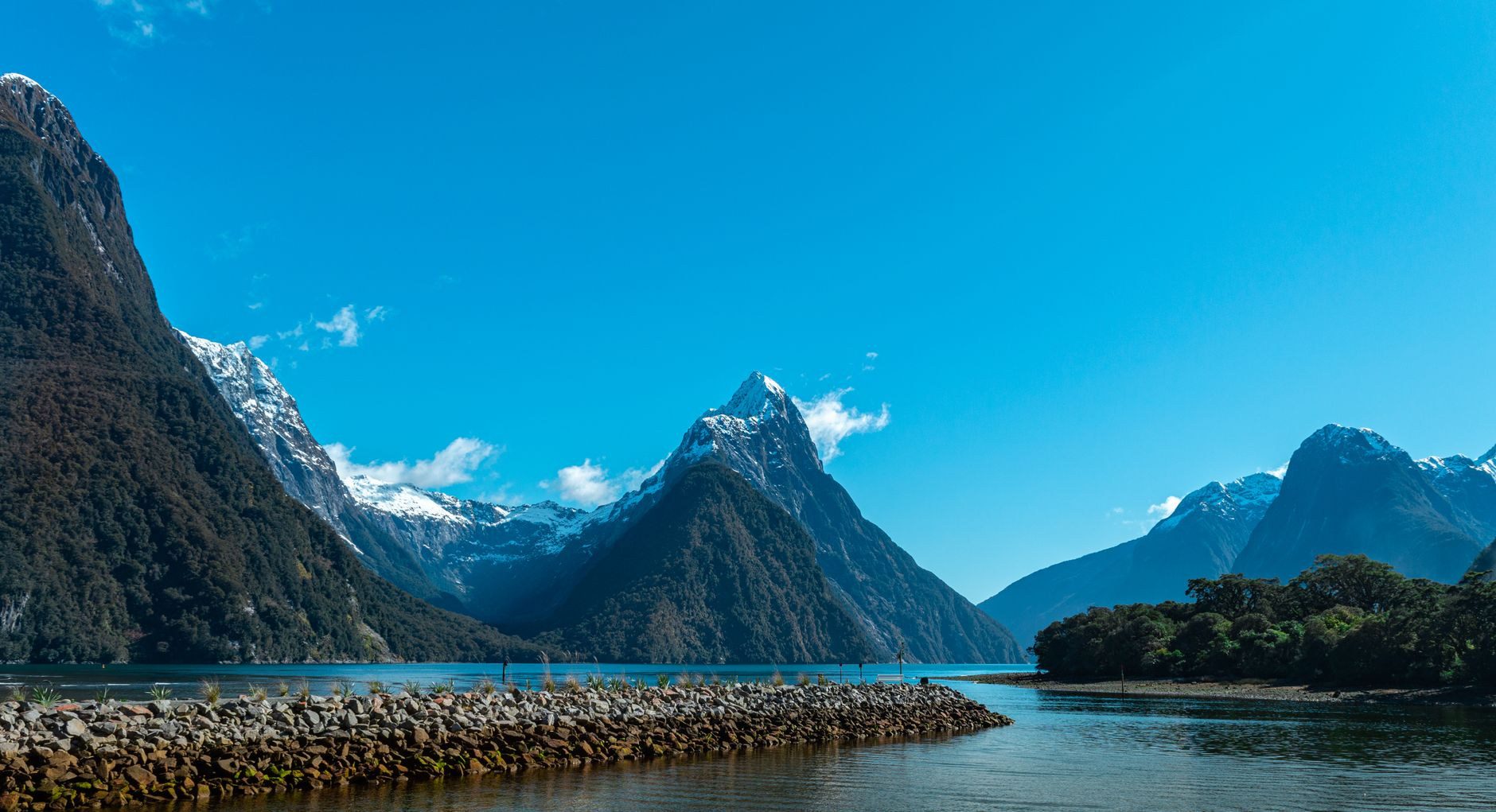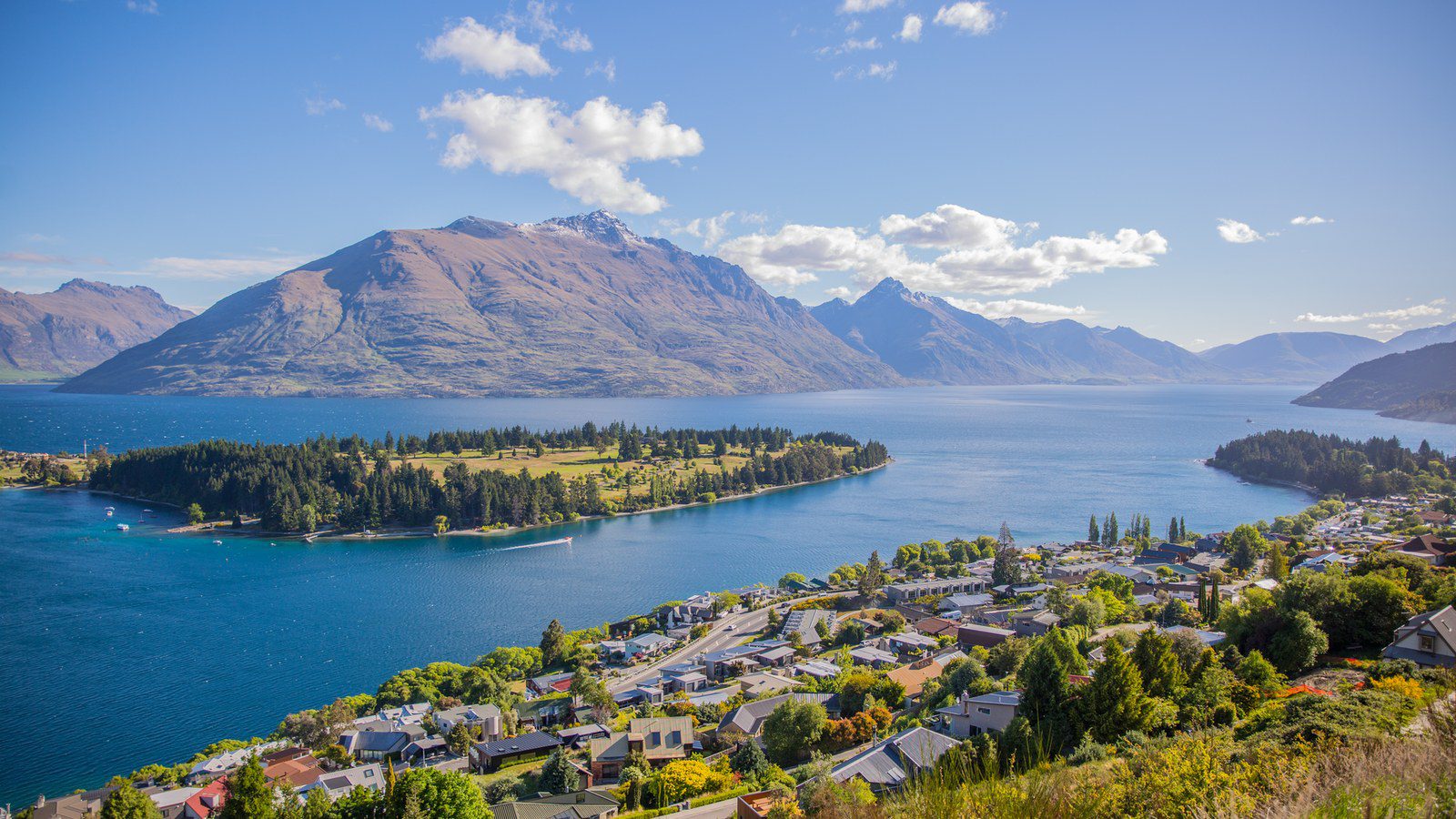
Exploring New Zealand—from the vibrant waterfront of Auckland to the dramatic alpine peaks and turquoise lakes of Queenstown—is the quintessential road trip destination requiring dependable mobile navigation.
New Zealand’s cellular infrastructure is led by One NZ, delivering high-speed 5G in metropolitan centres and solid 4G LTE along national highways. Having active mobile data is essential for checking mountain weather forecasts, booking campsite spots, and navigating scenic routes.
New Zealand Mobile Data Estimates for 3, 7 and 14 Days
These planning ranges represent modelled travel styles. Background cloud synchronisation, video resolution choices, and accommodation Wi-Fi habits will shift your actual consumption within these brackets.
| Trip Length | Light Use (Navigation, Chat, Tickets) | Typical Use (+ Social, Music, Browsing) | Heavy Use (+ Video, Hotspot, Work) |
|---|---|---|---|
| 3 Days (City Break) | 0.5 – 1.0 GB | 1.0 – 2.0 GB | 3.0 – 5.0+ GB |
| 7 Days (One Week) | 1.0 – 3.0 GB | 3.0 – 5.0 GB | 6.0 – 10.0+ GB |
| 14 Days (Two Weeks) | 2.0 – 5.0 GB | 5.0 – 10.0 GB | 12.0 – 25.0+ GB |
Light Use
A light data profile treats the smartphone primarily as an on-the-go utility:
- Walking directions and public transport schedules on Google Maps or Apple Maps.
- Transit routing and station departure checks on official apps (AT Mobile (Auckland Transport), Metlink Wellington, CamperMate New Zealand).
- Text messaging over WhatsApp, iMessage, or Signal.
- Scanning digital attraction passes, museum tickets, and boarding QR codes.
- Occasional restaurant lookups, opening hours checks, and menu translations.
A light traveller who downloads offline maps and reserves video streaming for accommodation Wi-Fi rarely exceeds 300–400 MB daily. A 1–2 GB allowance easily covers a 3- to 4-day city break.
Typical Use
Typical use represents standard holiday behaviour. In addition to navigation and tickets, this includes:
- Daily social media browsing (Instagram, Facebook) and sharing photos with friends.
- Looking up restaurant reviews, booking dining tables, and hailing local rides.
- Streaming background music, podcasts, or audio walking tours during city strolls.
- Checking web guides, museum audio tours, and local weather forecasts.
For a seven-day holiday, 3–5 GB provides a comfortable planning allowance without paying for an oversized bundle that expires unused.
Heavy Use
Heavy use involves high-bandwidth activities that consume data rapidly:
- Scrolling TikTok, Instagram Reels, or YouTube Shorts away from Wi-Fi.
- Streaming high-definition video during intercity transit.
- Automated background photo and 4K video synchronisation to iCloud or Google Photos.
- Video calls over FaceTime, Zoom, or WhatsApp.
- Hotspot tethering for a laptop or tablet without Low Data Mode enabled.
Under heavy use, 10 GB can disappear in days—particularly if a connected laptop downloads background operating system updates. Heavy users should monitor usage daily and restrict cloud synchronisation to Wi-Fi.
What Uses the Most Data While Travelling in New Zealand?
The primary source of unexpected data drain is rarely Google Maps or messaging. The true drivers of rapid consumption are video pre-buffering, unmetered laptop tethering, and automated cloud backups.
| Activity | Typical Data Consumption | Practical Impact on a 7-Day Trip |
|---|---|---|
| Google Maps / Apple Maps Navigation | 15–30 MB per hour | Very low. 2–3 hours of daily routing uses only 300–600 MB across an entire week. Pre-downloading offline maps reduces this further. |
| Messaging & Voice Notes (WhatsApp/Signal) | 5–15 MB per day | Negligible. Text messages and compressed voice notes consume minimal bandwidth. Video calls should be reserved for Wi-Fi. |
| Transit & Ride-Hailing Apps | 10–25 MB per day | Minimal. Booking tickets and hailing rides consumes very little data once the app’s interface is cached. |
| Web Browsing & Travel Research | 40–80 MB per hour | Moderate. Mobile-optimised websites are efficient, but image-heavy blogs and booking platforms accumulate over time. |
| Audio Streaming (Spotify, Podcasts) | 40–120 MB per hour | Moderate. Standard quality uses ~50 MB/hour; downloading playlists offline eliminates mobile cellular usage entirely. |
| Social Media Scrolling (Instagram/TikTok) | 100–250 MB per 20 mins | High. Autoplaying video feeds pre-buffer high-definition media, consuming 300–700 MB in an hour of casual browsing. |
| Cloud Photo & Video Backup | 200 MB – 2+ GB per day | Very High. Syncing 50 photos and several 4K clips can quietly consume multiple gigabytes in the background. |
| Laptop / Tablet Hotspot Tethering | 500 MB – 2+ GB per hour | Critical. Laptops treat mobile hotspots as unmetered Wi-Fi unless configured with data-saving safeguards. |

*Planning estimates based on typical travel usage (navigation, chat, ride-hailing & light browsing). Actual consumption varies based on background synchronization, video streaming resolution, and accommodation Wi-Fi habits.
3 Practical Travel Scenarios in New Zealand
Scenario 1: 3-Day Auckland & Waiheke Island Break
Travel Profile: Auckland waterfront dining, Waiheke ferry navigation, winery lookups, ride-hailing, and WhatsApp messaging.
Modelled Usage: ~500 MB / day | Recommended Allowance: 1.5 – 2.0 GB
Connectivity Realities: Dense 5G coverage throughout Auckland CBD, Viaduct Basin, and across Waiheke Island ferry terminals.
Scenario 2: 7-Day South Island Adventure (Queenstown & Wanaka)
Travel Profile: Ski resort lookups, Milford Sound tour bookings, jet boat ticketing, scenic photo uploads, and highway GPS navigation.
Modelled Usage: ~650 MB / day | Recommended Allowance: 4.5 – 5.5 GB
Connectivity Realities: Strong 5G in Queenstown and Wanaka; reliable 4G along lakeside highways with terrain dropouts in mountain gorges.
Scenario 3: 14-Day Grand Campervan Tour (North & South Islands)
Travel Profile: Inter-island ferry crossings, DOC campsite bookings on CamperMate, hiking trail lookups, video calls, and hotspot tethering.
Modelled Usage: ~850 MB / day | Recommended Allowance: 10.0 – 12.0 GB
Connectivity Realities: Solid 4G/5G in regional townships; dead zones across remote national park passes like Arthur’s Pass and Haast.
Worked Example: A 7-Day Vacation Data Budget
Here is a transparent breakdown of a standard 7-day trip (A 7-Day Queenstown & Wanaka Road Trip):
- Google Maps & CamperMate GPS Navigation (2.5 hrs/day): ~65 MB/day
- WhatsApp Messaging, Voice Notes & Family Check-ins: ~35 MB/day
- Activity QR Bookings, Weather Checks & Restaurant Lookups: ~55 MB/day
- Social Media Browsing & High-Res Landscape Uploads: ~270 MB/day
- Audio Streaming & Podcast Listening on Mountain Drives: ~85 MB/day
Daily Subtotal: ~510 MB per day
7-Day Subtotal: 510 MB × 7 days = 3570 MB (~3.6 GB)
10% Safety Buffer: +357 MB
Total Planned Consumption: 3927 MB (~3.9 GB) — Recommended allowance: 4.5 – 5.5 GB
Verified NXTL Usage Costs in New Zealand
NXTL operates on a transparent pay-as-you-go model. When you purchase an NXTL Global eSIM starter package in EUR, checkout is $11.99 and includes $10.00 in usable prepaid balance (the effective profile access component is $1.99). You are charged strictly for the data you consume at the destination’s published per-gigabyte rate, with unused balance remaining on your account for subsequent international travel.
Published starting rate in New Zealand: $1.17 / GB ($1.17/GB) on Vodafone / One NZ (5G).
| Data Consumed | Calculated Cost | Balance Accounting from $10.00 Credit |
|---|---|---|
| 1 GB | $1.17 | Covered by starting credit; leaves $8.82 remaining balance |
| 2 GB | $2.35 | Covered by starting credit; leaves $7.65 remaining balance |
| 3 GB | $3.52 | Covered by starting credit; leaves $6.47 remaining balance |
| 5 GB | $5.87 | Covered by starting credit; leaves $4.12 remaining balance |
| 10 GB | $11.74 | Requires $1.74 additional credit (top-up $2.26 suggested) |
| 20 GB | $23.49 | Requires $13.49 additional credit (top-up $13.56 suggested) |
Note: Starter purchase includes $10.00 usable data credit. Self-service balance top-ups start from $2.26. Unused balance remains active while the account is in service and transfers automatically to any of NXTL’s 180+ supported destinations.
Local Connectivity Realities in New Zealand
Official Regulatory Landscape
Telecommunications in New Zealand are overseen by Commerce Commission New Zealand, ensuring high standards of spectrum allocation and network resilience. National operators (Vodafone / One NZ (5G), Spark New Zealand, 2degrees) provide cellular coverage across urban areas and major transport corridors.
Campervan Highways, Coastal Ferries & Urban Buses
Travel in New Zealand is dominated by campervan and rental car journeys along State Highway 1 and regional highways, Interislander Cook Strait ferries, and urban bus/train networks in Auckland and Wellington. There is no nationwide passenger railway or subway system. High-speed highway driving across mountain passes (such as Arthur’s Pass, Lindis Pass, and the Milford Sound highway) traverses dramatic alpine topography where deep valleys create total cellular shadow zones.
Building Attenuation & Architectural Realities
In urban Auckland, Wellington, and Christchurch, modern timber and steel constructions present minimal radio resistance. Modern earthquake-resilient concrete commercial buildings reduce indoor signal slightly.
Geographical Terrain & Rural Signal Variations
New Zealand’s dramatic wilderness (Fiordland, West Coast rainforests, Tongariro National Park) features extensive uninhabited terrain with zero cellular towers. Cellular signals are available in towns and major tourist hubs, but fade entirely on backcountry tracks.
Recommended Offline Precautions
New Zealand’s scenic alpine highways (Milford Road, Haast Pass) experience long stretches without cellular coverage. Pre-download offline Google Maps and CamperMate campsite maps before setting out on road trips.
Roaming Eligibility: Do You Actually Need an eSIM?
Before buying an international data package, check your home mobile plan:
Visiting New Zealand from North America or Europe on carrier roaming often incurs $12–$15 per day surcharges. An NXTL prepaid eSIM connects directly to One NZ 5G at just $1.17/GB on flexible pay-as-you-go billing.
If your home provider imposes high roaming surcharges, a travel eSIM provides an affordable, instant, and transparent alternative without changing your physical SIM card.
8 Practical Tips to Reduce Mobile Data Consumption
- Download Offline Maps: Pre-cache city and regional maps on Google Maps or Apple Maps before departing your hotel. Note that Google Maps offline mode provides driving directions and cached map viewing only; walking directions, live transit routing, and live traffic require active cellular data.
- Enable Low Data Mode: Turn on Low Data Mode in your iPhone (Settings > Cellular > Cellular Data Options) or Data Saver on Android (Settings > Network & internet).
- Disable Cloud Backup Over Cellular: Set Google Photos, iCloud Photos, and Dropbox to backup only over Wi-Fi.
- Download Media Offline: Pre-download Spotify playlists, podcast episodes, and streaming video over hotel Wi-Fi.
- Switch Off Video Autoplay: In Instagram, TikTok, and Facebook, configure video autoplay to Wi-Fi only.
- Toggle Off Unnecessary Cellular App Access: Restrict cellular permissions for background apps that don’t need real-time connectivity.
- Configure Hotspots Carefully: If tethering a laptop, mark the connection as a metered network and pause background software updates.
- Monitor Daily Usage: Check your device’s built-in cellular data counter at the end of each day to catch unexpected background drains early.
10-Step Departure Checklist
- Confirm your smartphone is carrier-unlocked and eSIM-compatible (Check compatible devices).
- Purchase your NXTL eSIM starter balance for New Zealand.
- Install the eSIM profile before departure using the QR code or manual activation code (View setup guide).
- Pre-download offline Google Maps for your destinations.
- Download transit and ticketing apps (AT Mobile (Auckland Transport), Metlink Wellington, CamperMate New Zealand).
- Save digital boarding passes, train e-tickets, and hotel confirmations to Apple Wallet or Google Wallet.
- Turn off automated cellular photo and video cloud syncing.
- Download travel playlists, audio guides, and podcasts over home Wi-Fi.
- Set your primary home SIM to avoid expensive roaming surcharges if necessary.
- Enable the NXTL eSIM data line upon arrival and ensure Data Roaming is toggled ON for the eSIM profile.
Frequently Asked Questions
What network provider does NXTL connect to in New Zealand?
NXTL connects directly to One New Zealand (formerly Vodafone NZ) with extensive 5G and 4G LTE coverage at $1.17/GB (display: $1.17/GB).
How far does the $10.00 starting balance go in New Zealand?
At $1.17/GB, your $10.00 initial credit covers up to 8.5 GB of high-speed data. A 5 GB road trip uses only $5.87, leaving $4.12 for future travel.
Will I have mobile data during road trips in remote South Island areas?
Towns, main highway corridors, and tourist hubs have reliable 4G/5G. However, remote alpine routes (such as the Milford Sound highway, Haast Pass, and Arthur’s Pass) have extended stretches with no cell signal. Always pre-download offline maps.
Does the eSIM work on Cook Strait ferries between North and South Islands?
Yes. Coverage is available when departing Wellington Harbour and entering the Marlborough Sounds (Picton), with a brief mid-strait zone where signal fades.
Practical Recommendation: Choosing Your Starting Balance
For a one-week South Island adventure, 4.5–5.5 GB provides ample data for navigation, trail lookups, and scenic uploads. At $1.17/GB on One NZ 5G, your $10.00 starting balance covers your journey with credit to spare.
Review live network rates and calculate your custom data budget before departure on the New Zealand eSIM destination page or check worldwide rates in the NXTL global pricing directory.
Public Methodology & Source Note
This data planning guide is produced using authoritative telecommunications data, official transport authority documentation, and verifiable rate snapshots.
- Pricing Reference Date: 2 October 2026.
- NXTL Catalog Snapshot: Verified via https://nxtlsim.com/esim/new-zealand/. Starter purchase: $11.99 including $10.00 usable prepaid balance; New Zealand starting rate from $1.17 / GB on Vodafone / One NZ (5G). Global pricing hub: https://nxtlsim.com/pricing/.
- Telecom Authority: Commerce Commission New Zealand.
- Transit Documentation: Direct references from AT Mobile (Auckland Transport), Metlink Wellington, CamperMate New Zealand.
- Activity Modelling: Daily bandwidth budgets represent labelled editorial modelling assumptions based on typical smartphone travel behavior. Actual consumption depends on individual device settings and Wi-Fi habits.